

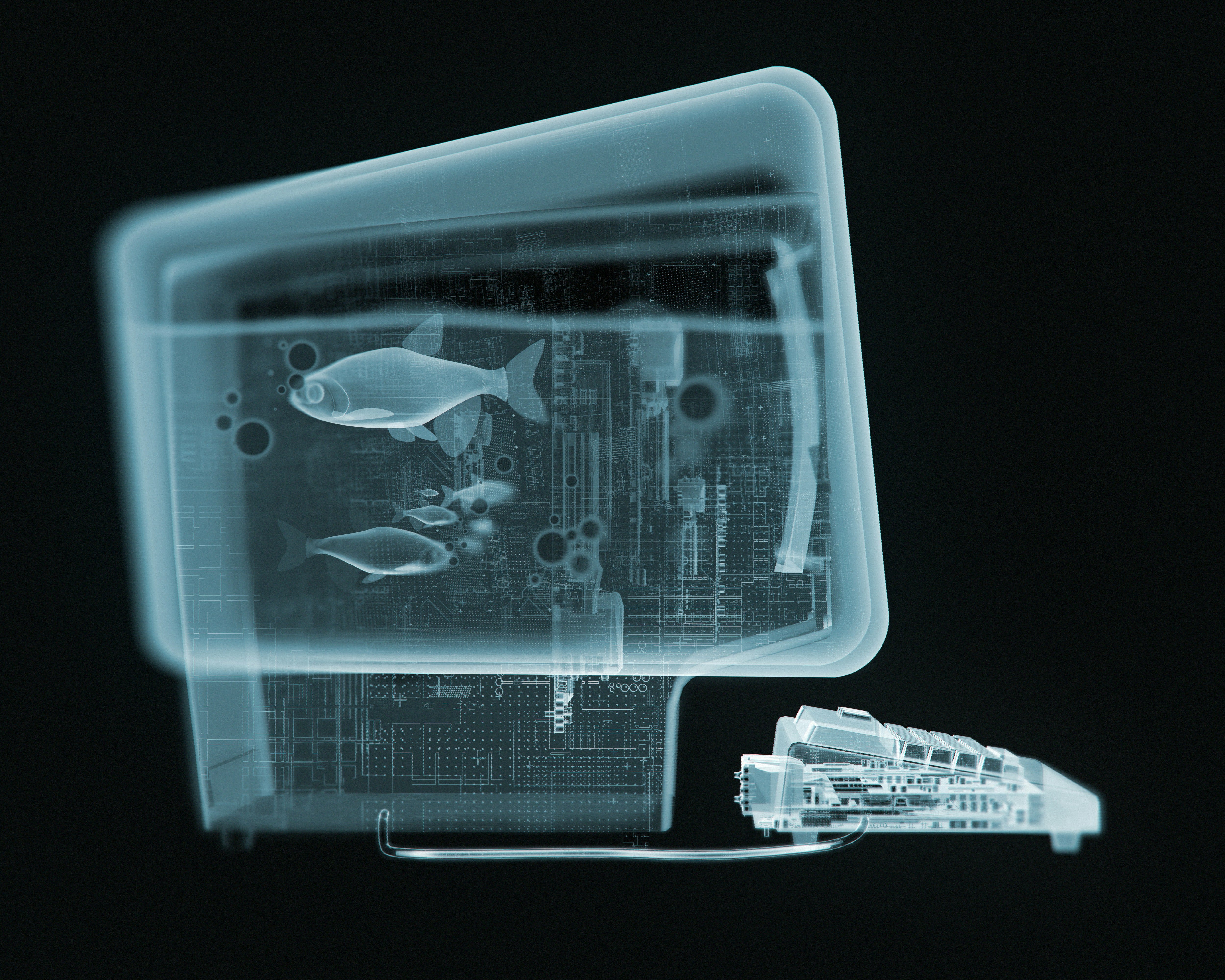
One machine to rule them all, One machine to find them,
One machine to bring them all and on the dark interwebs bind them
Earlier this year I learned to stop worrying and love OpenClaw. I think it got a lot right, or at least helped push the industry toward some of the things we now expect from agents.
You can run OpenClaw on your own hardware and reach it from pretty much any channel. It can also reach back out to you through those same channels. Those capabilities felt novel when OpenClaw broke out.
It also made the security tradeoff pretty obvious. If you’re going to give an agent that much access, maybe don’t run it on the machine that contains your entire life. I believe this is still the right approach for OpenClaw and, in fact, a good default for any agent with meaningful access to your system.
Right out of the gate, OpenClaw received undue coverage for being somehow more insecure or dangerous than agents like Claude Code or Codex, which people were then, and still are today, perfectly happy to run on their laptops. Give any agent broad access to your life and it becomes legitimately useful, but that usefulness demands caution.
A hot mess
Much of the risk comes from how the agent is configured and what capabilities you expose to it. At the same time, anyone who has done agentic work on their machine knows that in order to get anything done, you’ll need to be in full YOLO mode, or something close to it.
What I mean is that in every session turn, your agent will likely make one or several or dozens or more of tool calls, sometimes even for hours on end. Each call could be an internal tool used by the harness, like reading or editing a file, or it could be a bash command.
When agents first started coming about, the default was often a tight permissions mode in which you had to manually confirm each of these calls one by one. In the early days, though, agents also weren’t very good at chaining them together or even correctly calling one at all.
It seems hilarious to think about now, but I can recall when Claude Code was released in early 2025 alongside Claude 3.7 Sonnet, reading the permissions prompt for each call and sometimes steering the agent in another direction. “No, not quite that one, do this instead,” kind of thing. Yeah, so, we don’t really do that anymore.
If you do agentic work for more than five minutes, you’ll soon see the need to turn off tight permissions so the thing can do actual work for you. Agents these days can happily run on their own, provided they have the context and your specific means of verification for the scenario.
That said, this YOLO mode, or dangerously-skip-permissions approach, while necessary for any real work as we’ve established, can in fact be dangerous. Things go wrong, true for models large and small, old and new. Accidents happen. “Oops, I just deleted your home directory. Sorry, bro.”


Turns out you probably don’t want to run these agents in YOLO mode on your personal devices after all. There are mid-range options: Claude Code calls it auto mode, in which a classifier model reviews actions before they run, while Codex has auto-review. But these modes or not, sandbox or not, things happen, and I’d say they are still insufficient mitigation to justify running agents on your personal devices although they may be useful in other contexts.
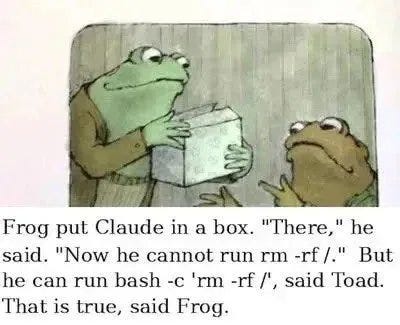
That’s why I think the separate device model should extend beyond OpenClaw or Hermes Agent. If an agent is going to run with broad permissions, give it a machine of its own.
I still keep an agent on my laptop for occasional system configuration. They’re great at troubleshooting when I’m too lazy or don’t know what’s wrong, but I keep it in tight permissions mode. If something is changing my system, I prefer to micromanage anyway.
One machine to rule them all
I believe all work should shift to the isolated device. If you do development work on a virtual machine, this is something you’re probably already used to. Now I’ve got a DMZ established so I can run things willy nilly on the Mac mini.
Just like in my previous OpenClaw setup, the machine has its own identity. I can log in via Tailscale from any of my personal devices, but purposefully not go in the other direction. There is zero public exposure, but I can access the machine with my laptop or phone.
I’ve come to realize that which harness you use to achieve this setup is really up to you. Any will do, so the one you choose should probably be the one with the best user experience. As far as personal assistants go, for me presently that’s Codex, i.e., the ChatGPT desktop app.
Maybe Codex is all you need? It has a beautiful user interface with excellent typography, but in that respect so do a few others we could mention like the GitHub Copilot app or OpenCode Desktop, for example. Codex though also has the best speech to text functionality I’ve encountered, and in that regard it blows everything else out of the water.
Voice workflow is a high priority for me, so this is a biggie, but it isn’t my entire reason for pushing all the chips in on Codex. I was waiting on one more feature to mature before I could commit to Codex as my everything app.
ChatGPT Remote actually works now. I can run Codex on my Mac mini and make projects, continue sessions, or start new threads from any of my personal devices that I authorize such as my laptop and phone.
I can seamlessly transition a single thread between them as I change devices, and ChatGPT Remote makes this possible. This is separate, distinct, and complementary to the Tailscale connectivity I already mentioned.
Assistants are only as good as the context you provide them
My primary use case for running agents is coding and personal assistance. I never bothered using OpenClaw for coding tasks. I’d rather use Codex, Claude Code, or Pi, which have a superior design for that purpose. But OpenClaw made a heck of a personal assistant, and I’ll tell you why.
My time with OpenClaw showed me that giving your assistant unrestricted read access to your personal data, your email, text messages, social media, files and documents, combined with every tool on your computer and frontier model intelligence is a pretty magical experience. I enjoyed being able to reach my claw from any surface, like iMessage, but even that wasn’t where it really clicked for me.
It was the access to my data, combined with everything else an assistant can normally do, that claw-pilled me. I also experimented with the memory wiki. Looking back, I’d say the most valuable thing about a personal wiki is the indexing of your data sources. Give your assistant a CLI to retrieve those topics, along with an agent skill for crunching through that context, and the results are often pretty awesome.
One thing I thought I’d miss was SOUL.md, OpenClaw’s file for shaping your agent’s voice and behavior at the instruction layer, which really did seem to influence the model’s tone. But SOUL.md is just instructions like any other, and what you’re really after is a way to modify the system instructions. Codex has a model_instructions_file key in its config, which you can use to replace the built-in instructions with your own.
Note that’s a replacement, not an append. AGENTS.md adds to the base prompt, while model_instructions_file swaps it out entirely, OpenAI’s tuning included. So don’t get lazy with it, or you’ll sand the Codex right off your Codex. You’ll need to experiment to get it right, but you can probably trim some of the prompt bloat and shape it to your purpose without losing the app’s bells and whistles.
Moshi, moshi, moshi
While Codex via ChatGPT Remote is my workhorse these days, I still want to be able to manually log in and have shell access on my Mac mini, which is handled by Tailscale as I’ve mentioned. This way, I can maintain a herdr workspace with Pi, Claude Code, or Codex CLI sessions, and they can talk to one another.
There are several tools for connecting your phone to your machine as well. Among those, the one I can recommend is Moshi. The best results for me come from using the mosh protocol over Tailscale, connected to a herdr workspace or tmux session.

For mobile, I’ve found the mosh protocol preferable to plain ssh due to its resilience, and a terminal multiplexer is needed for durability. That said, I don’t recommend living in command line agents from your phone. You might walk into traffic or look like a dork in the grocery line.
Do you really need a Mac mini?
No, you don’t really need a Mac mini. But because electricity costs money, I recommend any small form factor, low-powered device that you already own or can acquire cheaply. I picked up the Mac mini last year for $600 and it costs me about a dollar per month on my electric bill. Not too shabby.
This Mac mini has 16 GB of memory, but I don’t run local models apart from the occasional Whisper and probably a local embedding model. Local models are making inroads compared to where they were earlier this year, but in my opinion not quite there yet even with ample more memory.
I instead use the latest frontier models from OpenAI and Anthropic almost exclusively, though I’ve been experimenting with subagents lately, primarily from a cost savings standpoint. There are a number of quite capable open weight models released lately that would likely be more than fine as subagent workers.
I chose the Mac mini because it’s the cheapest Apple device. For better or worse, I’m bought in to the Apple ecosystem, paying the Apple tax. That might be you too, or you’ll be perfectly fine running Linux on any low-powered PC device.
Why not just run it in the cloud?
Well, you can. That is a valid option. For a monthly fee, you can be a compute peasant bound by serfdom to your cloud provider landlord. I would rather be a yeoman with my modest plot of home compute. Owning your own hardware is also just… fun.
But if you want to be practical and grownup about it, be my guest. I predict the forthcoming frontier models will push us towards the cloud anyway. The next models will likely be able to take advantage of perhaps hundreds of compute instances in parallel.
The thing is, if you want the Apple ecosystem, there are technically cloud providers that offer macOS instances, but the choices are few and the prices are steep. And if your assistant machine is going to need browser use, know that many services block IP ranges belonging to cloud providers.
That’s part of the beauty of self-hosting is you’ll have a residential IP address and won’t have to contend with that constraint at all.
Why not a virtual machine on my personal device?
You could. A virtual machine is another perfectly reasonable option, just like running the agent in the cloud. You could even go lighter and give it a separate user account on your personal machine. In either case, I’d still give the agent its own identity.
My tin foil hat keeps me from doing either. I prefer the cleaner boundary of a separate physical machine, where there’s less chance of accidentally sharing something with the host that I never intended to expose.
Better bets
Coding and personal assistants want different things from my machine. For coding, the machine gets a normal developer environment with scoped OAuth tokens or API keys for the services it needs. I don’t sign in to anything directly. The agent can work on its own without needing credentials that let it do more than the task requires.
Personal assistance is different, because the value depends entirely on context. A chatbot with no knowledge of your life gives generic advice. An assistant that can read your email, text messages, documents, transactions, health data, and social media gives advice about your actual situation. In my experience the difference is night and day.
Nearly everything I do now passes through a conversation with my assistant first. Relationships, career, finances, medical, fitness, home improvement, the garden. I don’t typically use it to do things for me. I use it to think, and it can only help me think if it knows what I know.
Years ago someone recommended Ray Dalio’s Principles, which I then read, and two passages stuck with me. The first:
Over the course of our lives, we make millions and millions of decisions that are essentially bets, some large and some small. It pays to think about how we make them because they are what ultimately determine the quality of our lives.
I read that and knew it was true. The second passage:
I learned the computer could make better decisions than me because it could process vastly more information than I could, and it could do it faster and unemotionally.
That was written years before ChatGPT existed, and I remember thinking: yes, but how do I act on this? How do I make better decisions about my own problems?
Anyone can rent a frontier model now. These models can hold more of your context than you can hold in your head. But they do nothing useful on their own. You have to give them your situation and apply your own biological neural network.
Running a dedicated Mac mini just so an agent doesn't nuke your main machine is a solid move! Though I'd be too lazy to set up a proper Tailscale DMZ for it...