

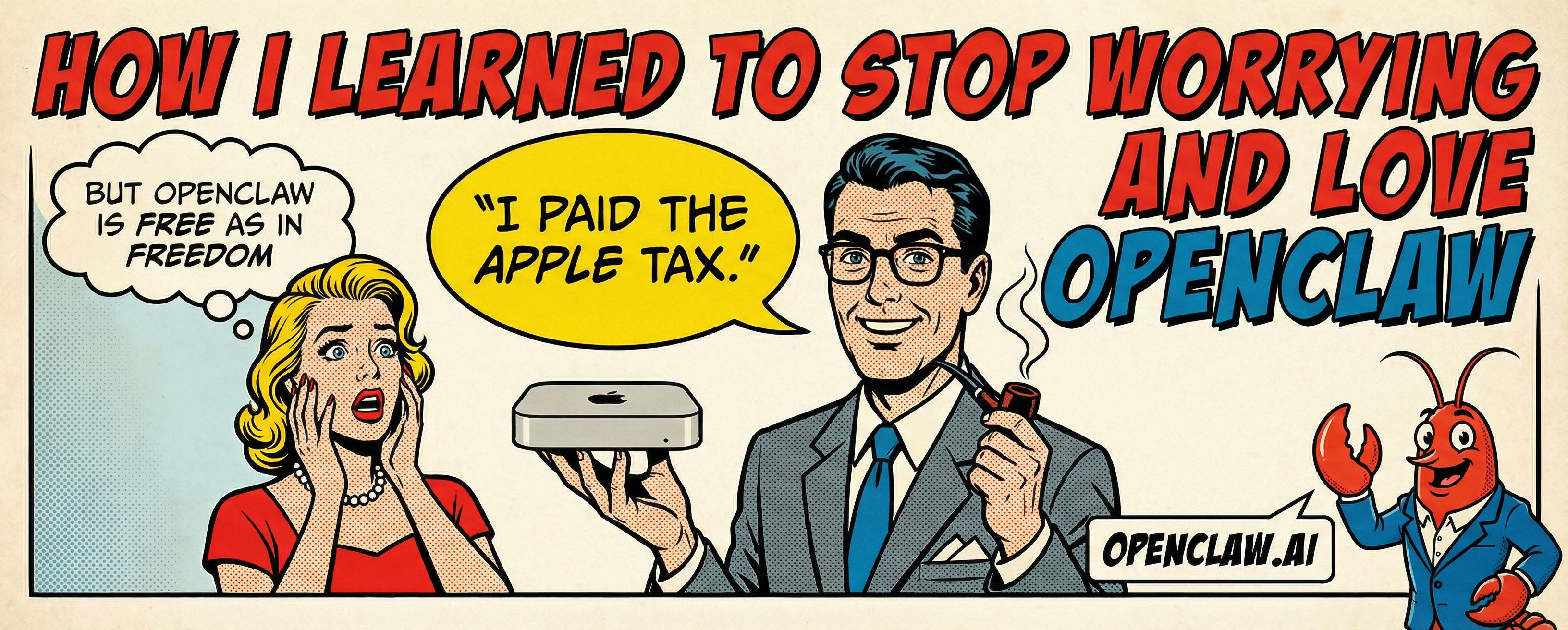
There’s a Mac mini in my house that knows more about my day than I do. On the one hand, we’ve been blessed with strong reasoning models that can call tools and act on our behalf. On the other hand, we have the context of our lives boxed away in various compartments: text messages, email, chat logs, transcripts, notes, calendar.
And the models are only as good as the context you provide them.
What if we brought them together? You might say:
James, ChatGPT and Claude already have a memory system and can connect to my data sources, right?
Yes, but let me point out a few shortcomings of these existing products:
They haven’t done a good job tying your sources together
The memory system is mid and you don’t have control over how it works
There’s no easy way to migrate your memories between products, i.e., vendor lock-in
Proprietary walled gardens keep it from being truly useful
They can’t yet reach out to you proactively in any meaningful way
OpenClaw fixes all of this mess. And it’s all open source and free as in freedom. I believe this is what Siri was supposed to be, and what the big labs wish they could make.
You text your assistant in the same app you text your friends and family. It feels like just another contact except it can reach out to you. It has real-time access to every data source you give it. It knows your life history, whatever you’ve shared, and you’d be surprised how many connections it draws across all of it.
Your memories are markdown files on your hard drive, which is beautiful simplicity and portability. OpenClaw indexes them automatically for semantic search, so the assistant can recall what it needs without you managing a database.
The system is fully open. Ask the assistant to change itself, or point Codex CLI or Claude Code at it and rebuild whatever you want. It’s software you modify by having a conversation, and that changes your relationship with every tool you use.
But there be dangers
Yep, there are dangers. You’re giving a nondeterministic beast control of a dedicated machine. It can do anything a normal computer can do, which is its greatest strength and its most obvious risk. And we’re pretty sure these models are only behaving because they know they’re being watched.
Prompt injection is still an unsolved problem. OpenClaw now ships with a security audit command, a formal trust model, and sandboxing including an OpenShell backend that came out of NVIDIA’s NemoClaw project. The blast radius is getting smaller.
The thing I didn’t appreciate as much as I should have early on is that model choice might be the single strongest safety lever you have. Older and smaller models are significantly more vulnerable to prompt injection and tool misuse. If you’re running an agent with real tools and real access, use the biggest and baddest model available. You want the best not just for intelligence but for safety.
I’m not going to tell you the risks aren’t real, because they are. But I’m pretty sure you can find an approach within your comfort zone. Here’s mine.
Do we gotta pay the Apple tax?
I run my assistant on a separate machine, a Mac mini. Listen, you don’t need one. Any dedicated PC running Linux works, a Raspberry Pi works. But a Mac mini is also a perfectly fine low-powered device and if you want native iMessage with blue bubbles on your iPhone, you need an Apple device. I think that’s worth it, but Signal, Telegram, and WhatsApp all work too.
The Mac mini setup:
Isolated network on my home system
Dedicated Apple ID for the assistant
FileVault on
Firewall on
SIP remains enabled
The most important thing: do not sign in with your personal Apple ID. Your assistant should never have access to your keychain, your wallet, your browser sessions, any of it. Give it its own Apple ID. You’d need a separate account anyway, because otherwise you’d be texting yourself.
SIP staying enabled means no Private API with BlueBubbles, so no typing indicators, read receipts, or tapbacks. Basic send and receive works fine. You can get the full bougie experience on WhatsApp or Telegram if privacy means nothing to you, or on Signal if it does.
You may actually need two Apple machines. I’ll explain why in a moment.
Zero public exposure
Ideally you should have zero public exposure unless you know what you’re doing and really need it. There are uses cases for opening up specific services, but if you’re just starting out I highly recommend no inbound ports. SSH should be key-only with passwords disabled, but we can do better.
Everything should route through Tailscale. If you don’t know what that is listen to this perfectly reasonable explanation by Scott Tolinski (@stolinski):
In the end we want this:
No public inbound ports
Private device-to-device networking only (Tailscale)
Assistant has its own Apple ID on the Mac mini
Personal Apple ID stays on your personal machine(s) only
Use the clanker
You’ll likely want to vibe configure the whole thing. Seriously, just use the clanker. On a fresh install, clone the OpenClaw repo, and then first thing fire up Codex CLI or Claude Code the repo. It has an AGENTS.md with the full context of the docs and source code. Tell it what you want done.
Things change quickly, so I recommend you ignore any setup guides other than the docs. I’m explaining conceptually what I’ve done. If this fits for you, tell your coding agent that’s what you want. Or tweak it. Whatever. This is the future of working with software.
Texting, texting 1-2-3
There are two separate goals here:
I want to text my assistant from my phone like a normal contact.
I want my assistant to have read-only, real-time access to my personal message history.
And remember, we’re not signing my personal Apple ID into the Mac mini.
The split looks like this. The Mac mini is the assistant machine signed into a dedicated assistant Apple ID, running OpenClaw and BlueBubbles. This is the only place the assistant sends messages from. The MacBook Pro is my personal machine signed into my personal Apple ID, running the source side of imsgkit.
My first approach was an SSH forced command, a dedicated key that could only run a handful of read-only commands on my MacBook Pro over Tailscale. It worked, but it was fragile and weird. So I built imsgkit to do it properly. It’s open source, MIT licensed.
imsgkit has two pieces:
imsgd is a macOS daemon that reads your Messages database and publishes an incremental replica using sqlite3_rsync.
imsgctl is a CLI for macOS and Linux that reads the replica locally.
imsgd runs on my MacBook Pro and syncs a replica to the Mac mini every few seconds. imsgctl runs on the Mac mini and reads that replica directly. No network calls at read time, no SSH, no personal Apple ID on the assistant machine.
It ships with an agent skill, so once installed your assistant just knows how to check your messages. For OpenClaw:
openclaw skills install imsgctlFor Claude Code, Codex CLI, or any agent that supports skills:
npx skills add jpreagan/imsgkitThe security boundary is the same one I started with, just cleaner. The assistant can read my personal message history in real time but cannot act as me on my personal machine. No shell access from assistant to personal machine, no personal Apple ID on the assistant machine, outbound texting stays BlueBubbles only.
You’ve got (read-only) mail
Now for email. I have a Gmail account. Gross, I know, but it works pretty well actually thanks to the prolific Peter Steinberger (@steipete) with gogcli.
I want my assistant to answer questions about my inbox on demand, without giving it permission to send, delete, archive, or modify anything. I also don’t want to break my zero public exposure rule. So I skipped Pub/Sub and webhooks. No inbound endpoint, no public callback URL, no extra network surface area. Just pull when asked.
It’s a plain Jane setup. OAuth scopes are locked to read-only. The assistant can read, summarize, and search, but it cannot act as me in Gmail. One useful detail is your Cloud Console account and your mailbox account don’t have to be the same. The project can live under one Google account while OAuth authorization is granted by the account that actually owns the email.
End state is I ask “what’s in my inbox today?” and I get it. No modify or send scopes, no public ports, and Pub/Sub is there if I ever want proactive notifications later.
What’s next?
Once you let your hair down and stop treating the whole thing like a frightening disaster, it’s a lot of fun.
Good grief, it seems like half of Twitter will tell you the sky is falling and the other half are hustle bros exalting their 24x7 employee churning out SaaS slop that nobody uses. There is something genuinely exciting happening here, and it’s neither of those things.
The idea of a personal AI that pulls in all your data sources, knows your context, and grows with you is here. It’s running on a Mac mini in my house right now, texting me blue bubbles.
We’re still early. The rough edges are real. But the upside is massive, and the learning curve is the point. If you’re building with AI and you haven’t dogfooded a personal assistant yet, you’re missing out on all the fun.
So go off with your friendly neighborhood clanker. Start small, stay paranoid, and enjoy.